Consent form
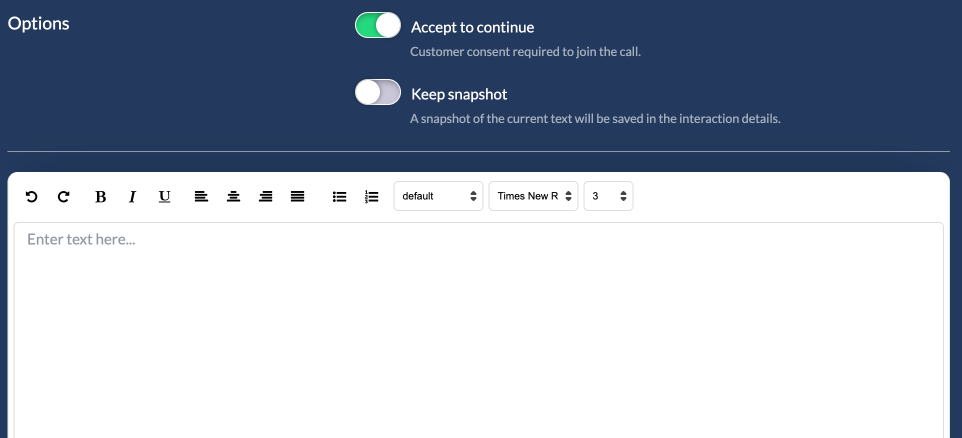
The consent form can be enabled in order to have the customer accept to terms & conditions or disclaimers before joining a call.
Once enabled, you just need to copy paste the text the customer needs to accept in order to continue otherwise he/she will not be able to join the meeting.
Formatting and links
The consent text supports HTML, so you can add formatting and links.
Scroll to accept
Enable Scroll to accept to require the customer to scroll to the bottom of the text before the Accept button is enabled.
Consent checkboxes
Under Consent checkboxes you can add extra consents that are presented as checkboxes under the text. Each checkbox has a label, which can contain formatting and links, and can be marked as required or optional. The customer cannot continue until all required checkboxes are ticked. Optional checkboxes do not block the customer.