Storage verification & throughput
Use this guide to understand how Auvious verifies storage connectivity and measures throughput across S3, Google Cloud Storage, Azure Blob, and SFTP.
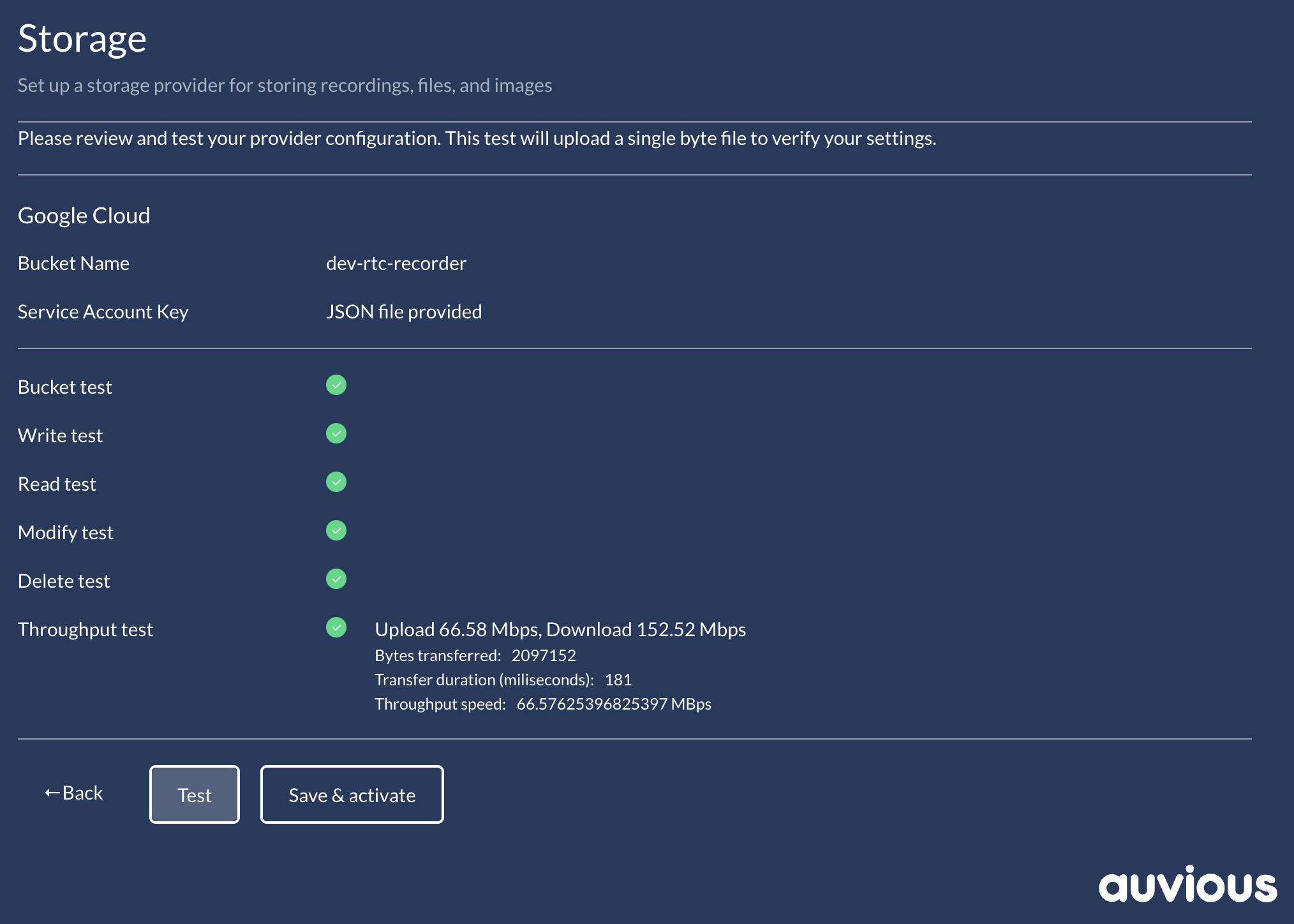
Throughput test (storage admins)
- Purpose: After bucket/container/base-dir and read/write/delete checks pass, Auvious runs a throughput probe. It uploads then downloads a temporary payload and reports the slower of the two speeds as the effective throughput. Temporary objects/files are cleaned up.
- Defaults: Enabled by default. Payload is ~1 MB (capped at 5 MB). Throughput results are informational and do not block saving provider configuration.
- When it runs: Only after bucket/container/base-dir existence and write/read/delete succeed. If those fail, throughput is skipped until they are fixed.
- Results shown: Upload Mbps, download Mbps, effective Mbps (the lower of the two), total bytes, and duration. Use this to confirm region choice, network path, and storage class meet operational needs.
- How to meet the threshold: Ensure firewall/allow-lists permit normal traffic; avoid low-performance tiers (cold storage, low IOPS) during verification; limit concurrent heavy workloads on the same bucket/container/base-dir; for SFTP, ensure the server and network can sustain >5 Mbps per session with acceptable latency.
- If performance is low: Improve the path—choose higher-performance storage classes, reduce throttling/egress limits, run from a closer region, or remove network bottlenecks—then re-run verification.