Amazon S3 (STS Assume Role)
Use your IAM user's Access Key ID and Secret Access Key only to call AWS Security Token Service (STS)
AssumeRole. Auvious then uses the temporary
session from that role for all S3 operations. This approach is recommended because you keep long-lived keys limited to
sts:AssumeRole while the role controls bucket access.
Required and optional fields
| Field | Required? | Description |
|---|---|---|
| Bucket Name | Yes | S3 bucket that stores recordings. |
| Region | Yes | Must match the bucket's Region. |
| Access Key ID | Yes | Base IAM user key used to call sts:AssumeRole. |
| Secret Access Key | Yes | Paired with the Access Key ID. |
| Role ARN | Yes | Role Auvious assumes for S3 operations. |
| Role session name | Yes | Name applied to the STS session; helps auditing in CloudTrail. |
| External ID | Recommended | Unique string validated by the role trust policy (required for cross-account). |
| Session duration (seconds) | Optional | STS session length; defaults to 3600 and must be ≤ the role's MaxSessionDuration. |
| Disable auth retry | Optional | Leave off to allow automatic retries when temporary credentials expire. |
Configure STS Assume Role in Auvious
- In Storage settings, choose STS Assume Role (with static credentials).
- Enter the bucket name for recordings.
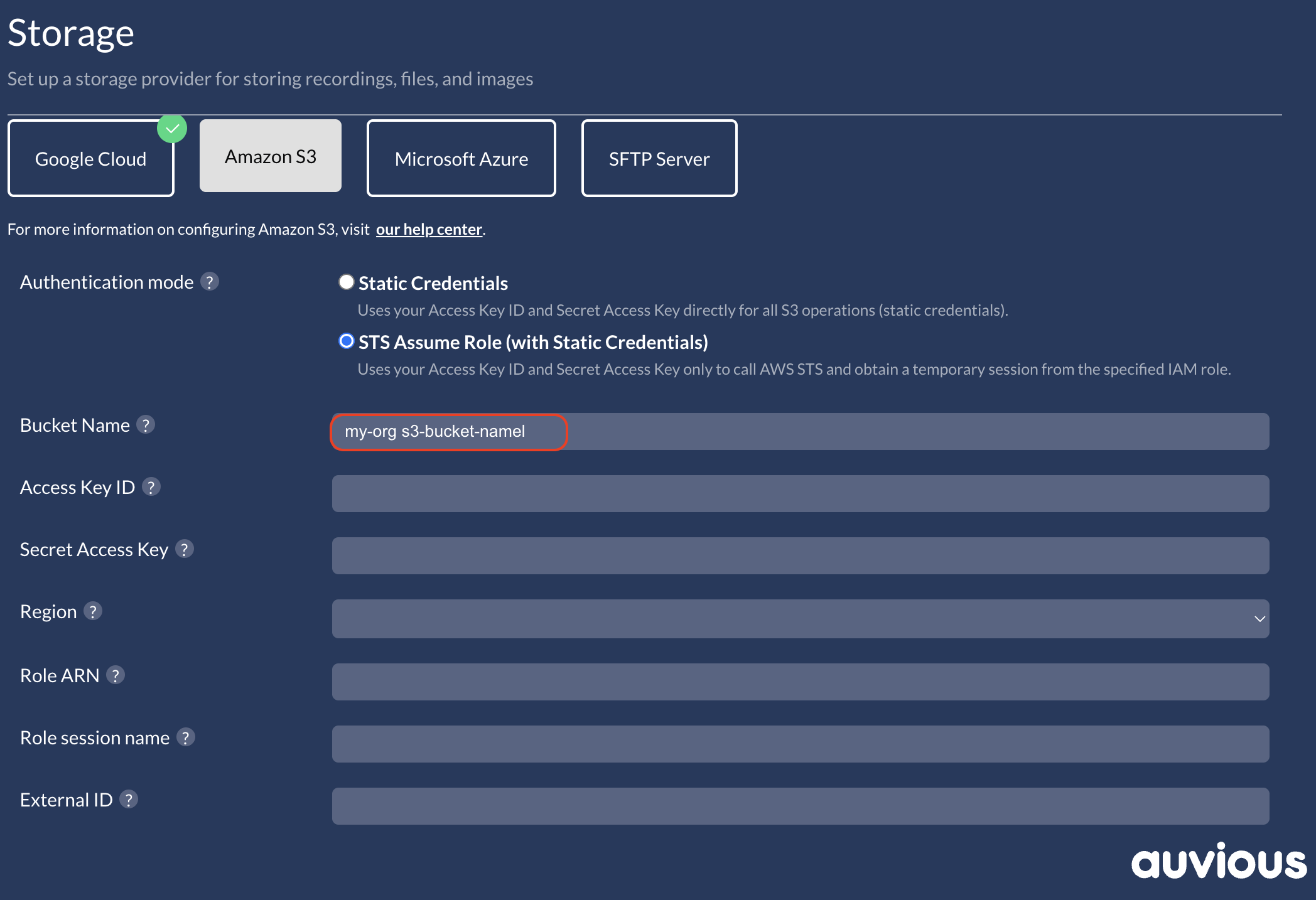
Access Key ID
Use the base IAM user's Access Key ID (only used to call STS).
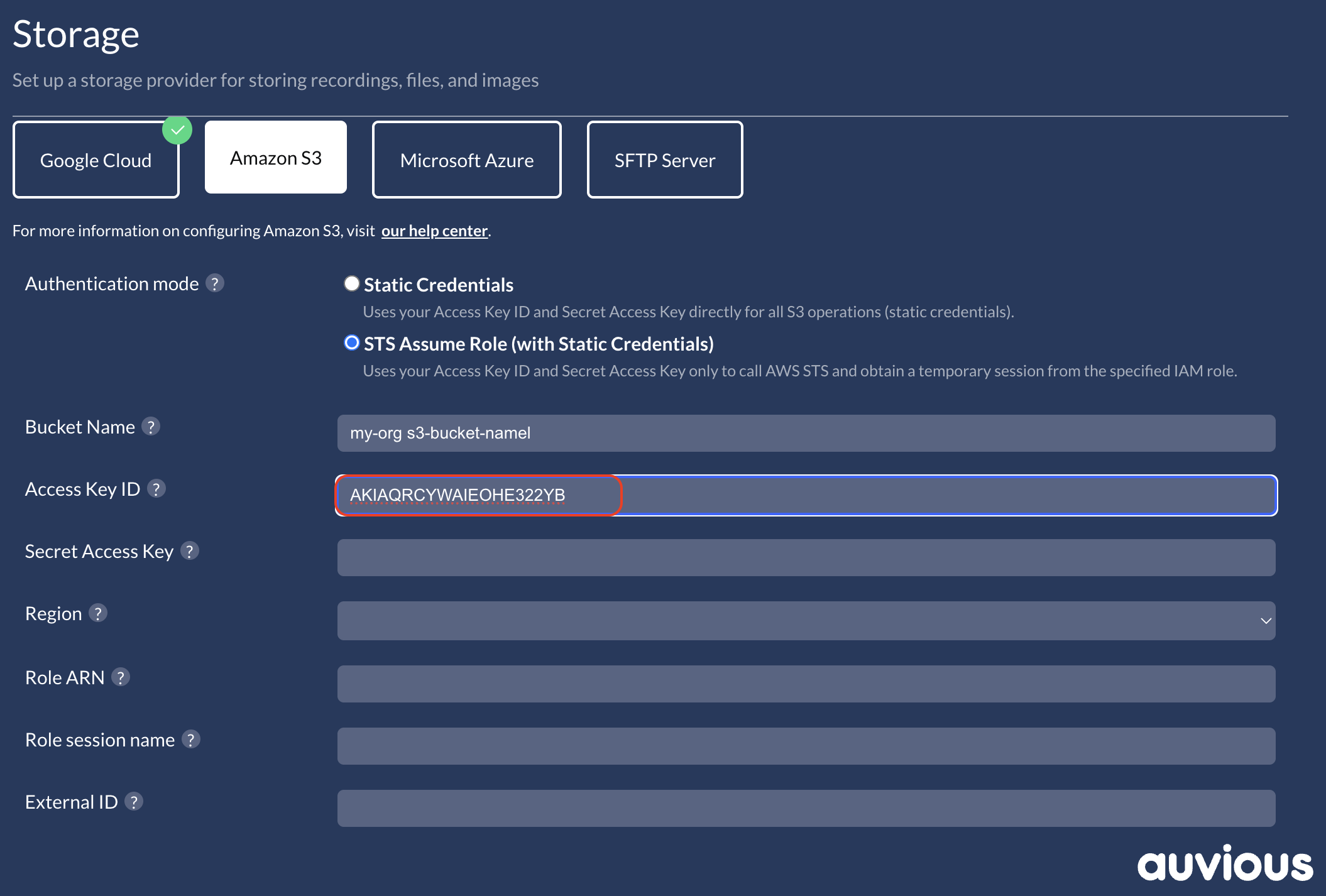
Secret Access Key
Paste the matching Secret Access Key. Store it securely; it is only shown when created.
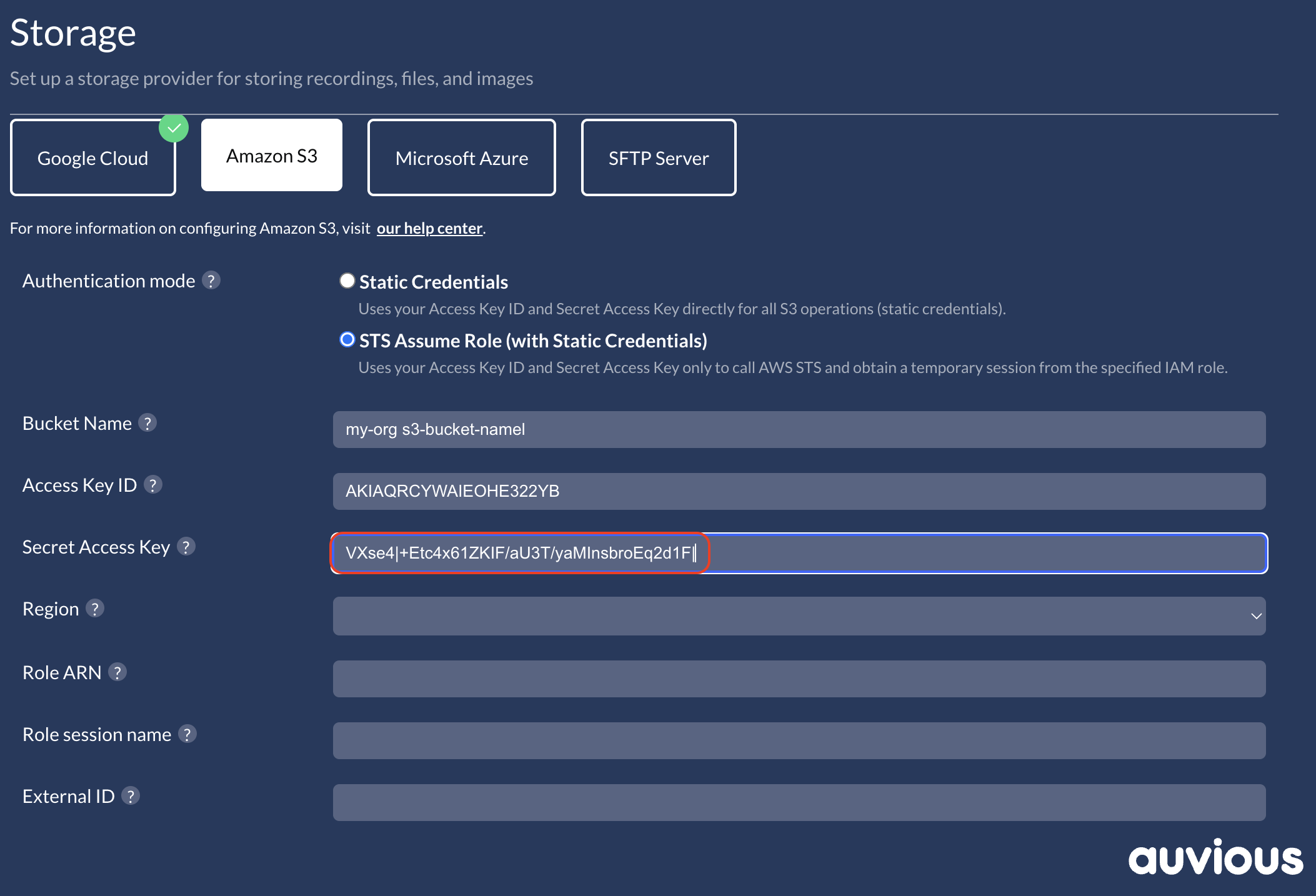
Region
Select the Region of your bucket and role.
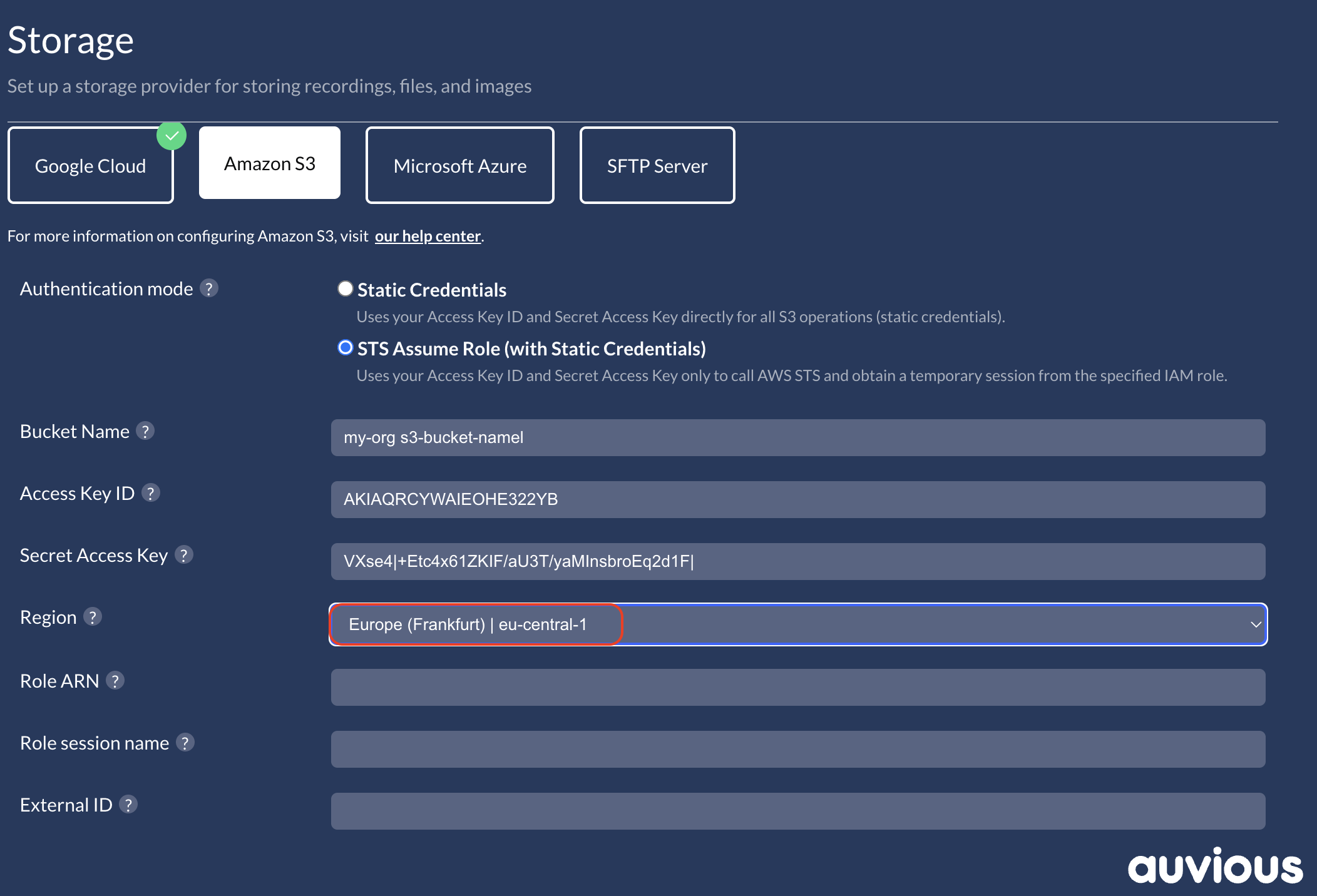
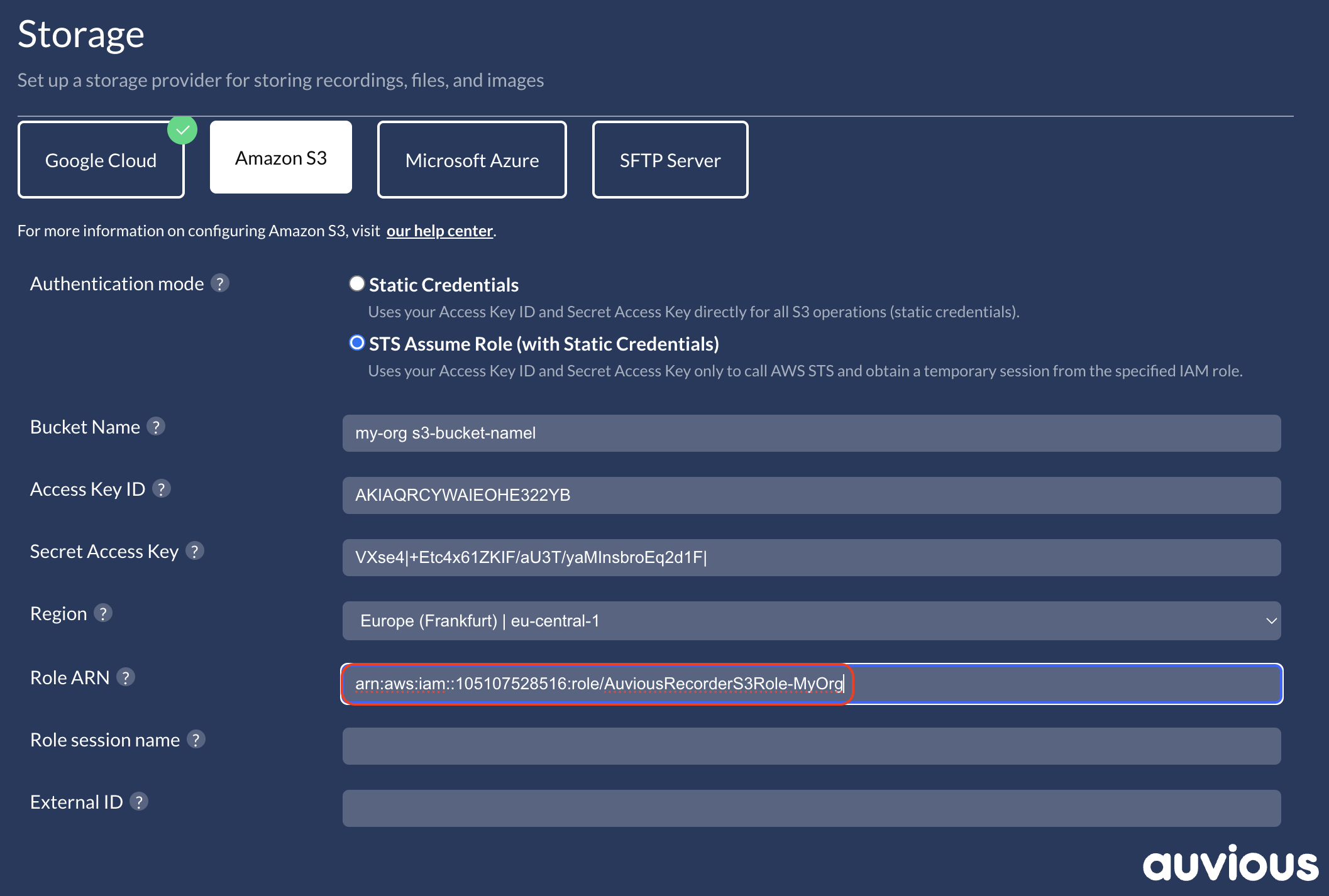
Role ARN
Provide the role that holds S3 permissions.
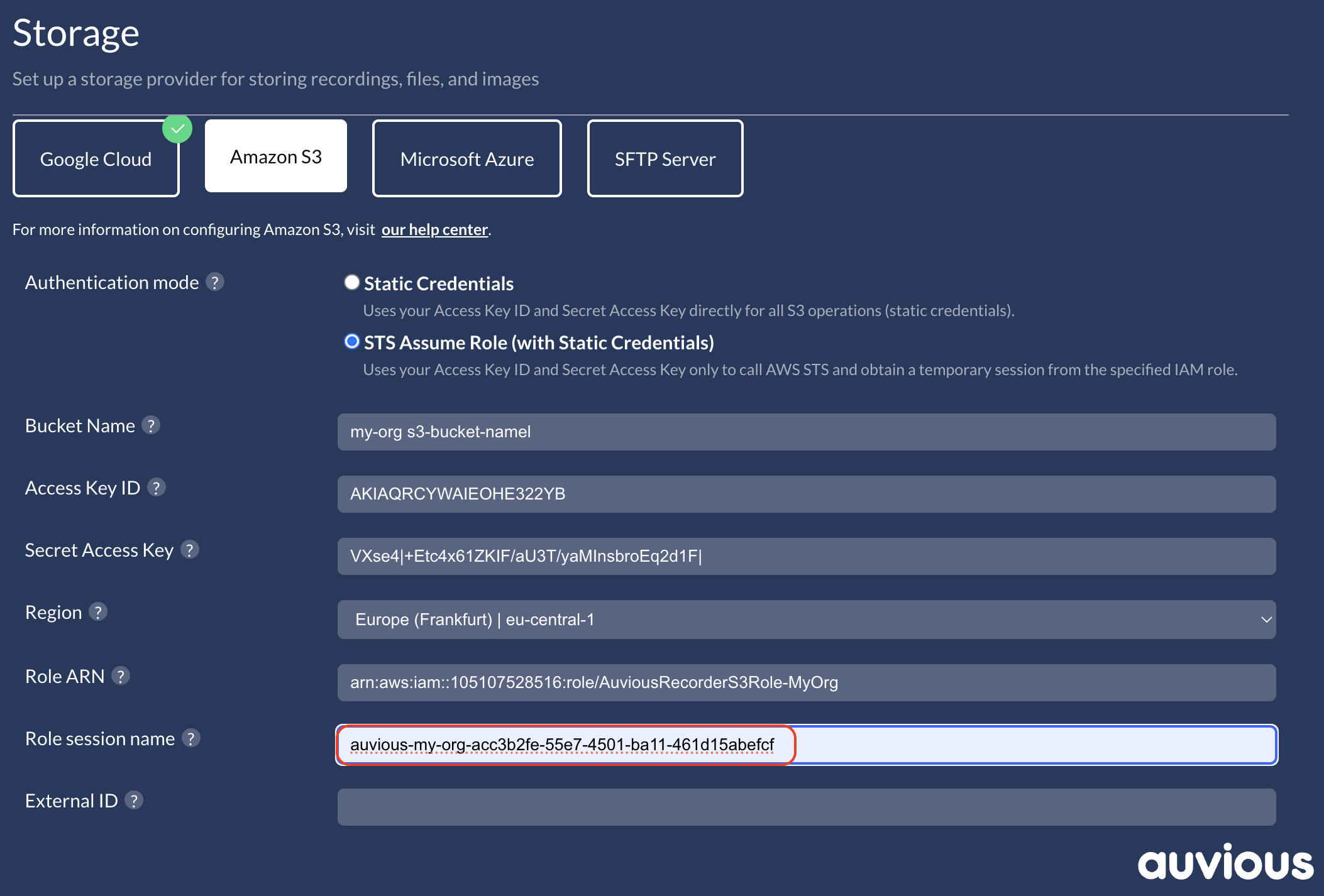
Role session name
Set a predictable session name (for example, auvious-recorder-<tenant>) to simplify CloudTrail searches.
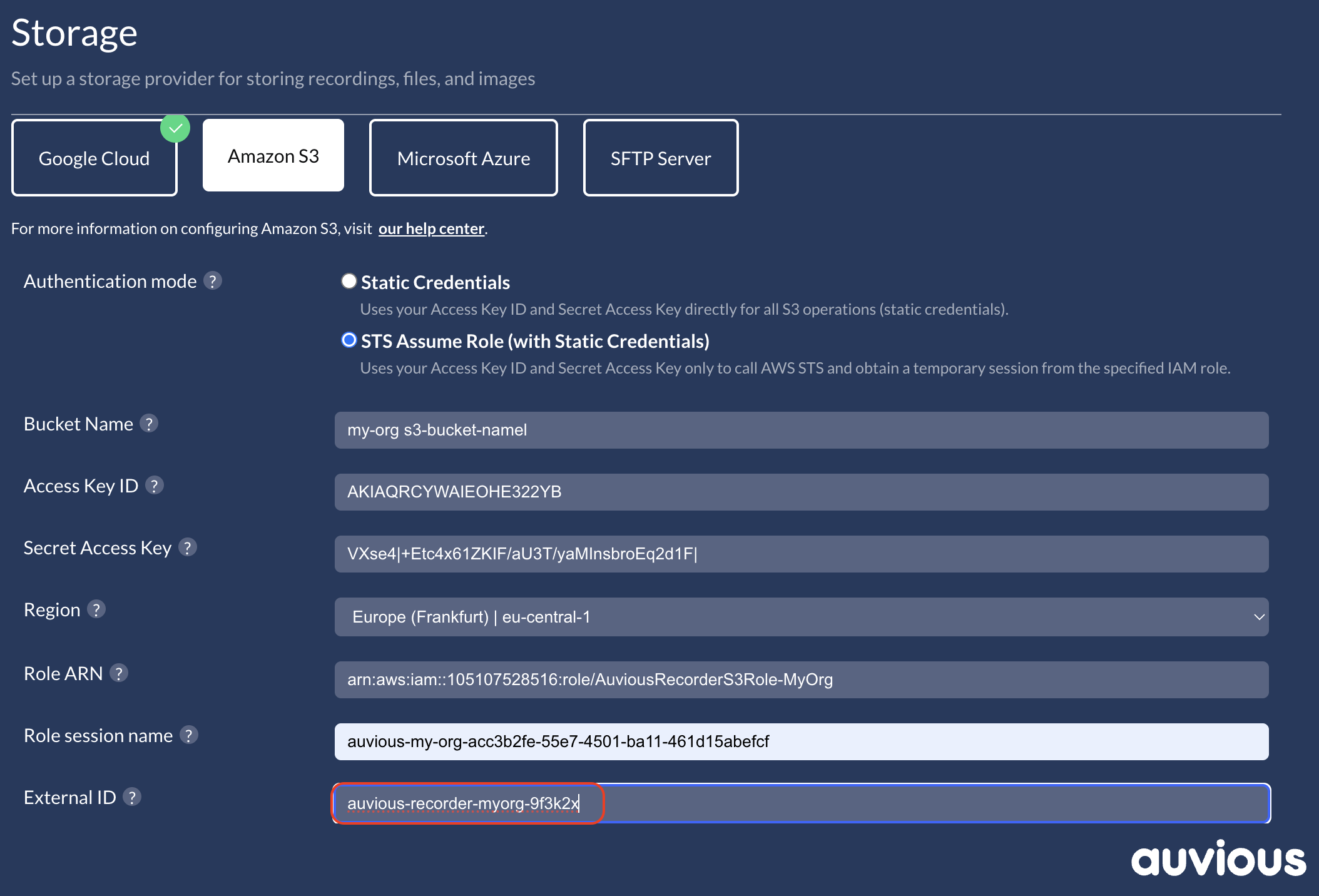
External ID (recommended)
Enter the External ID enforced by your trust policy—especially important for cross-account setups.
Optional settings
- Session duration (seconds): Use a value supported by the role's
MaxSessionDuration(defaults to 3600). - Disable auth retry: Leave disabled to allow automatic credential refresh; enable only if your compliance policy requires no retries. This setting only applies to the assume-role flow.
These advanced settings are meant for teams that already manage STS limits and retry policies; if in doubt, keep the defaults.
STS Troubleshooting
| STS error/message (common) | Likely cause | Fix (Auvious/AWS) |
|---|---|---|
| AccessDenied / "not authorized to perform sts:AssumeRole" | Trust policy does not allow the base IAM user or External ID mismatch | In AWS, set trust to the exact user ARN and correct sts:ExternalId; in Auvious, re-enter storageProviderRoleArn and storageProviderExternalId |
| InvalidClientTokenId / InvalidAccessKeyId / SignatureDoesNotMatch | Base IAM access key/secret wrong, disabled, or clock skew | Rotate keys and update storageProviderAccessKeyId / storageProviderSecretAccessKey; ensure system clock is correct |
| The requested DurationSeconds exceeds the MaxSessionDuration | Requested session duration higher than role's MaxSessionDuration | Lower storageProviderSessionDurationSeconds (or leave blank to use 3600) or increase the role's MaxSessionDuration in AWS |
| ExpiredToken (during assume-role refresh) | Session duration too short, or significant clock skew | Set storageProviderSessionDurationSeconds to a supported value ≤ role limit; verify time sync on the recorder node |
| AccessDenied on S3 ops after successful assume-role | Role policy/bucket policy missing required S3 actions for the role principal | Add List/GetLocation on bucket and Get/Put/Delete/AbortMultipartUpload on objects; allow-list the role ARN in bucket policy if you deny by default |
AWS permissions you must set
The assumed role needs the same S3 permissions as static credentials (List/GetLocation plus Put/Get/Delete/AbortMultipartUpload).
- Base IAM user policy (allows calling
sts:AssumeRoleon the recorder role; includests:ExternalIdwhen used):
{
  "Version": "2012-10-17",
  "Statement": [
    {
      "Sid": "AllowAssumeRecorderRole",
      "Effect": "Allow",
      "Action": "sts:AssumeRole",
      "Resource": "arn:aws:iam::<TARGET_ACCOUNT_ID>:role/<RECORDER_ROLE_NAME>",
      "Condition": {
        "StringEquals": {
          "sts:ExternalId": "<EXTERNAL_ID>"
        }
      }
    }
  ]
}
- Recorder role trust policy (locks the role to the base IAM user and External ID):
{
  "Version": "2012-10-17",
  "Statement": [
    {
      "Sid": "TrustedBaseUser",
      "Effect": "Allow",
      "Principal": {
        "AWS": "arn:aws:iam::<SOURCE_ACCOUNT_ID>:user/<BASE_IAM_USER_NAME>"
      },
      "Action": "sts:AssumeRole",
      "Condition": {
        "StringEquals": {
          "sts:ExternalId": "<EXTERNAL_ID>"
        }
      }
    }
  ]
}
- Recorder role S3 permissions (least privilege for the bucket):
{
  "Version": "2012-10-17",
  "Statement": [
    {
      "Sid": "BucketLevel",
      "Effect": "Allow",
      "Action": [
        "s3:GetBucketLocation",
        "s3:ListBucket"
      ],
      "Resource": "arn:aws:s3:::<BUCKET_NAME>"
    },
    {
      "Sid": "ObjectLevel",
      "Effect": "Allow",
      "Action": [
        "s3:GetObject",
        "s3:PutObject",
        "s3:DeleteObject",
        "s3:AbortMultipartUpload"
      ],
      "Resource": "arn:aws:s3:::<BUCKET_NAME>/*"
    }
  ]
}
If your bucket policy denies access by default, add an allow-list entry for the recorder role ARN.
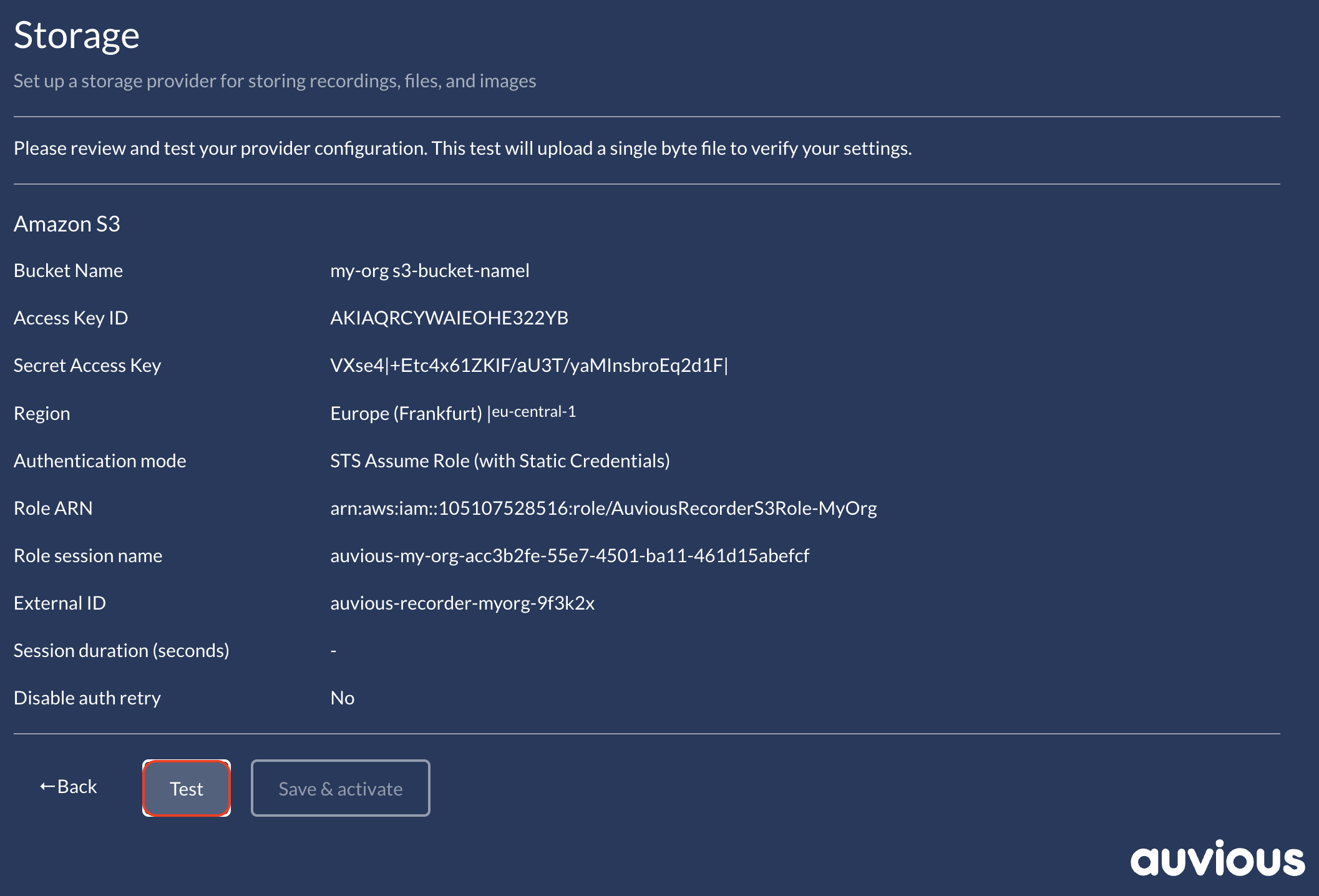
Review & Test
Use Test to validate the STS flow. Auvious uploads a 1-byte object using the temporary role session and reports any STS or S3 permission errors. The verifier runs head-bucket, upload, copy, download, delete, and presigned URL checks, so the S3 permissions above must be present on the assumed role.